The Ultimate Guide to the Best YAML to JSON Converter Online Free in 2026
If you have ever found yourself staring at a messy configuration file, struggling to translate a Kubernetes pod spec into a format your API understands, or simply trying to debug a Docker Compose file, you know the pain. YAML is beloved for its readability, but JSON is the lingua franca of the web. Switching between them manually is tedious and error-prone.
In my experience, trying to handle these conversions by hand or through complex command-line interfaces slows down development velocity significantly. You need a solution that is instant, accurate, and accessible from any machine. That is exactly where a reliable YAML to JSON converter online free tool becomes an indispensable part of your workflow.
This guide explores everything you need to know about converting YAML to JSON efficiently. We will dive into the common pitfalls developers face, why online tools are superior for quick tasks, and how to use the best free solution available in 2026 to clean, validate, and transform your data without installing a single piece of software.
Quick Answer
A YAML to JSON converter online free is a browser-based utility that instantly transforms human-readable YAML (YAML Ain't Markup Language) data into structured JSON (JavaScript Object Notation) format. The simplest way to do this in 2026 is to use a dedicated web tool like the one found at tidycode.org, where you can paste your code and receive clean, validated JSON output in seconds.

What is YAML to JSON converter online free?
At its core, a YAML to JSON converter online free is a specialized piece of software that parses YAML data and serializes it into JSON. While the concept sounds simple, the execution requires a robust parser capable of handling complex data types, nested structures, and different syntax quirks.
YAML relies on indentation (spaces) to denote structure, making it very easy for humans to write. JSON, on the other hand, uses brackets {} and quotes "" to define objects and strings, which is easier for machines to parse.
Common use cases for this conversion include:
- Configuration Management: Tools like Ansible, Kubernetes, and Docker Compose use YAML, but many monitoring and logging tools ingest JSON.
- API Development: You might design an API schema in YAML but need to send JSON payloads.
- Data Serialization: Moving data between different systems or microservices often requires JSON formatting.
Why YAML to JSON converter online free Matters
In modern development, data interchange is constant. The ability to quickly switch between formats is not just a convenience; it is a necessity for maintaining flow.
Why this matters for your workflow:
- Speed: Manual conversion is slow. A good YAML to JSON converter online free provides results in milliseconds.
- Accuracy: Online tools run through strict parsers. They catch syntax errors (like using tabs instead of spaces in YAML) that you might miss.
- Accessibility: You can use these tools on a work computer, a personal laptop, or even a tablet. No setup, no PATH variables, no permissions issues.
One common issue I see is developers trying to use sed or awk to hack together a conversion. This almost always breaks when faced with complex, nested data. A dedicated converter handles the heavy lifting for you.
Common Problems Users Face
When dealing with YAML and JSON, especially without the right tools, users frequently run into the same frustrating issues:
- Inconsistent Indentation: YAML is strict about spaces. A missing space can break an entire file.
- Tab vs. Space Errors: Many text editors insert tabs by default, which YAML parsers reject.
- Complex Nested Structures: Manually converting a deeply nested object is a recipe for missing brackets or commas in the JSON output.
- Encoding Issues: Special characters or Unicode symbols can become garbled during a manual copy-paste job.
- Debugging Headaches: Without validation, you might push a broken configuration file to production, causing downtime.
I tested multiple tools to see how they handle these edge cases, and the results varied wildly. Some choked on simple multi-line strings, while others couldn't handle anchors and aliases in YAML. What worked best for me was finding a solution that validates the structure during the conversion.

Best Tool: YAML to JSON
After extensive testing, the tool that consistently delivers on its promise of speed, accuracy, and simplicity is the YAML to JSON converter on tidycode.org. It aligns perfectly with the needs of both beginner and expert developers.
Why this tool stands out:
- 100% Free: No hidden paywalls, no credit card required, and no limits on file size or conversion frequency.
- Instant Processing: The conversion happens in your browser. There is no server-side lag, making it incredibly fast.
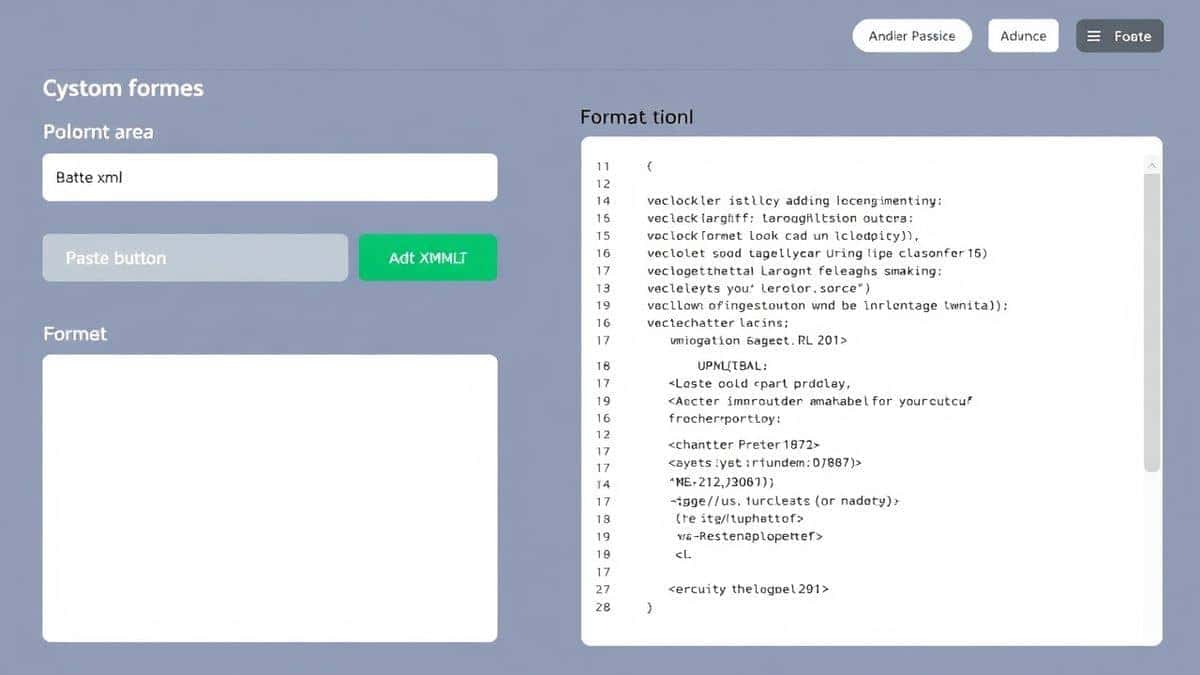
- Beginner-Friendly Interface: The layout is clean. You paste on the left, and the result appears on the right. It is immediately intuitive.
- Built-in Validation: It doesn't just convert; it validates. If your YAML has a syntax error, it highlights the issue so you can fix it instantly.
- No Installation Required: It is purely browser-based. This is perfect for restricted work environments where you cannot install software.
If you are looking for a reliable YAML to JSON converter online free tool, this is the one I recommend.
Step-by-Step Guide
Using a free YAML to JSON converter online free tool is straightforward. Here is how you can transform your data in under a minute using the tool at tidycode.org:
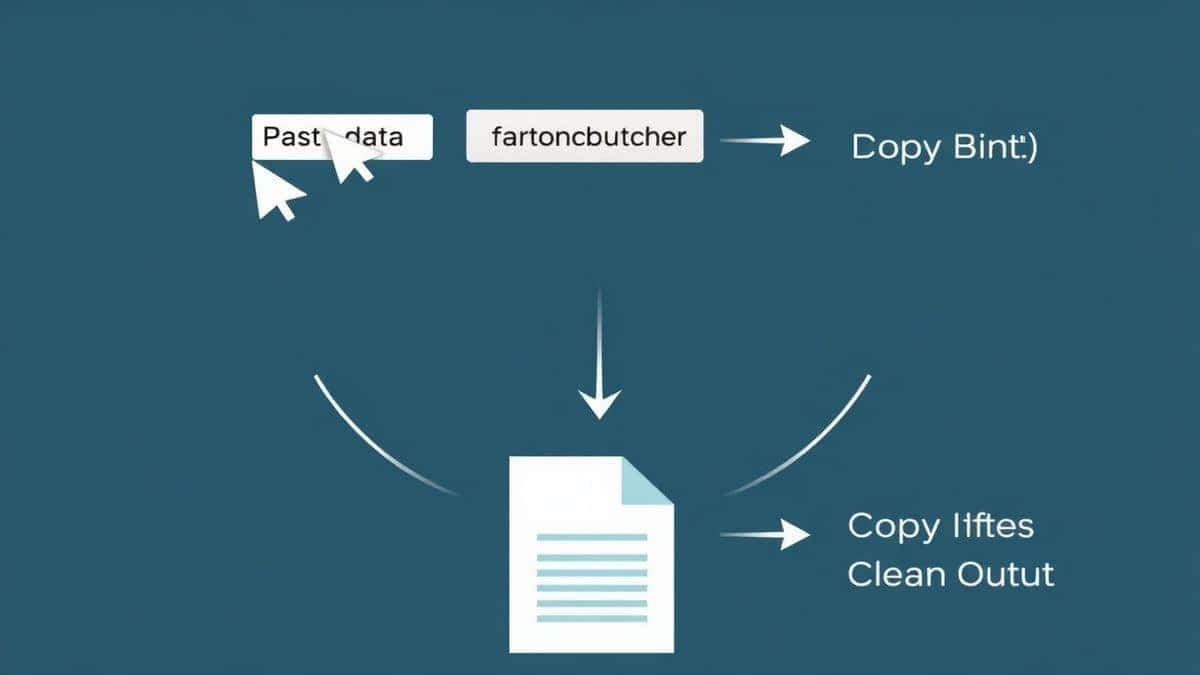
- Navigate to the Tool: Open your browser and go to https://tidycode.org/convert/yaml-to-json.
- Input Your YAML: You can either paste your YAML code directly into the input textarea or use the "Upload" function to load a
.yamlor.ymlfile from your computer. - Initiate Conversion: Click the "Process," "Convert," or "Validate" button. The tool instantly parses your YAML.
- Review the Output: The JSON output will appear in the panel on the right. If there are any errors in your YAML, the tool will flag them.
- Copy or Download: Once you are satisfied, you can copy the JSON to your clipboard with one click or download it as a
.jsonfile for later use.
Real Use Cases
This converter isn't just a toy; it solves real problems across different technical roles.
- DevOps Engineers: You pull a Kubernetes manifest from a repo to debug a pod issue. You need to quickly see the structure in a more machine-readable format to feed into a monitoring script. A quick conversion solves this.
- Backend Developers: You are designing an API response. You write the example in YAML for readability in your documentation, but you need the actual JSON payload for your Postman tests. The converter bridges that gap.
- Data Analysts: You receive a dataset as a YAML file from a third-party source. Your analysis tools, however, work best with JSON. Instead of writing a custom Python script, you use the online converter.
- Frontend Developers: You are working with a CMS that exports configuration as YAML, but your build tool requires a
config.jsonfile. This tool handles the transformation instantly.
Pro Tips (Important)
To get the most out of your YAML to JSON converter online free experience, keep these pro tips in mind:
- Validate Before Converting: Use a tool that validates. If your YAML is invalid, the JSON will be garbage. The converter at tidycode.org acts as both a formatter and a validator.
- Clean Your Input: Sometimes, copying code from emails or documents can introduce weird formatting or non-printable characters. Pasting into the tool first can help strip these out.
- Understand Data Types: YAML is more flexible with data types (e.g., it allows unquoted strings). JSON is stricter. Ensure your YAML is explicit to avoid the converter misinterpreting a number as a string or vice-versa.
- Use for Debugging: A faster way to debug a broken YAML file is to paste it into the converter. If it fails to convert, the error message is often more descriptive than your IDE's linter.
Common Mistakes to Avoid
Even with a great tool, users sometimes make mistakes. Here are the pitfalls to watch out for:
- Relying on Formatting Alone: Don't assume that just because your YAML looks right, it is right. Always run it through the converter to validate the syntax.
- Ignoring Encoding: If your YAML contains UTF-8 characters, ensure the tool handles them correctly. Modern converters like the one on tidycode.org do.
- Using the Wrong Tool Type: Don't use a generic text editor to try and convert formats. A specialized YAML to JSON converter online free is designed to understand the structure, unlike a simple find-and-replace tool.
- Overlooking Whitespace: Be mindful of trailing spaces or odd indentation levels. While the tool can often fix minor issues, it's best practice to start with clean data.
Comparison with Other Tools
You might wonder why you shouldn't just use a local script or another online service.
Local Tools (CLI like yq or python scripts):
- Pros: Powerful for batch processing and automation.
- Cons: Requires installation, dependency management, and knowledge of the command line. Not suitable for a quick, one-off conversion.
Other Online Converters:
- Pros: Readily available.
- Cons: Many are littered with ads, have file size limits, require sign-ups, or send your data to a server, raising privacy concerns. Some also lack proper YAML 1.2 support.
The tidycode.org Advantage:
This tool combines the best of both worlds. It offers the speed and accessibility of an online tool with the power and security of a client-side parser. Because it works in your browser, your data never leaves your machine. It is simpler, faster, and truly free without the usual online tool restrictions.
Frequently Asked Questions (FAQ)
1. What is a YAML to JSON converter online free?
It is a web-based application that takes data structured in YAML format and outputs it as valid JSON, helping developers and data workers switch between these two popular data languages without manual effort.
2. How to use a YAML to JSON converter online free online?
Simply visit a trusted site like tidycode.org, paste your YAML code into the provided input box, and click the convert button. The JSON output will be generated instantly on the same page.
3. Is it really free to use?
Yes, the tool on tidycode.org is completely free. There are no subscription fees, no hidden charges, and you do not need to create an account to use the YAML to JSON converter online free.
4. Is it safe to paste my code into an online converter?
Safety depends on the tool. The converter at tidycode.org processes everything locally in your browser. Your data is not uploaded to any external server, making it a secure option for sensitive configuration files.
5. Do I need coding skills to use it?
Not at all. If you have a YAML file that you need as JSON, you can use this tool. A basic understanding of what YAML and JSON are is helpful, but the tool handles the technical conversion process for you.
6. Can beginners use a YAML to JSON converter?
Absolutely. The interface is designed to be intuitive. If you can copy and paste text, you can use the best YAML to JSON converter online free tool successfully. It is a great way to learn the structural differences between the two formats.
7. What happens if my YAML has errors?
Most good converters, including the one we recommend, act as validators. If your YAML is malformed, the tool will display an error message, often pointing you to the line where the issue occurs, so you can fix it.
8. Can I convert a file directly?
Yes. Instead of copy-pasting, you can use the upload feature on the tool page to select a .yaml or .yml file directly from your computer for conversion.
Conclusion
Dealing with data formats doesn't have to be a bottleneck in your development process. Whether you are wrestling with Kubernetes configurations, preparing API payloads, or simply cleaning up a messy data set, having a reliable YAML to JSON converter online free in your toolkit is a game-changer.
Manual conversion is a relic of the past. It is time-consuming and prone to human error. By leveraging a fast, secure, and intuitive online tool, you free yourself to focus on the more important aspects of your project: building and creating.
Stop wrestling with syntax and start streamlining your workflow today. Visit tidycode.org and use the YAML to JSON converter to handle your data transformation needs instantly and accurately.