How to Format XML Online Free: Complete Beginner Guide (2026 Edition)
Dealing with raw, minified XML data can be a real headache. You paste what looks like a valid file, but it’s just one long, unreadable line of text. Finding a missing closing tag or understanding the data structure becomes nearly impossible. If you’ve ever felt that frustration, you’re in the right place.
This complete beginner guide will show you how to format XML online free using simple, browser-based tools. We’ll walk through everything from understanding what XML formatting is to fixing common errors, all without installing a single piece of software. By the end, you’ll be able to take messy data and turn it into a clean, structured document in seconds using the XML Format tool from tidycode.org.
Quick Answer: What is the Easiest Way to Format XML?
How to format XML online free: complete beginner guide refers to the process of taking raw or minified XML code and restructuring it with proper line breaks and indentation using a web-based tool, making it human-readable.
The simplest solution? Use a dedicated online formatter like XML Format. It’s free, works instantly in your browser, and requires no sign-up.
What is How to format XML online free: complete beginner guide?
At its core, "how to format XML online free" is about transforming ugly, compressed code into something you can actually read. XML (Extensible Markup Language) is designed to store and transport data -7. However, to save bandwidth, many systems "minify" it—stripping out all spaces and line breaks -7-8.
Formatting, also known as "beautifying" or "pretty-printing," reverses this. It adds hierarchical indentation and line breaks so you can see the parent-child relationships between elements at a glance. For a beginner, mastering this skill means you can finally understand API responses, configuration files, or data feeds without needing a computer science degree.
Why Formatting Your XML Matters
You might wonder, "If the machine can read it, why should I care?" In my experience, readable code is debuggable code. Here’s why it’s crucial:
- Error Detection: A properly indented structure makes it instantly obvious when a tag isn't closed or is nested incorrectly. One common issue is mismatched root elements, which are much easier to spot in a formatted document -7.
- Collaboration: If you’re sharing code with a teammate or asking for help on a forum, clean, formatted XML shows respect for their time and makes it more likely you’ll get a quick answer.
- Learning and Analysis: When you're trying to understand how a complex data structure works, seeing it laid out hierarchically is the only way to truly grasp the relationships between data points.
Common Problems Users Face with Raw XML
Before we fix it, let’s look at the pain points. I tested multiple tools and forums to see what beginners struggle with most:
- The "Wall of Text": This is the most common issue. You copy XML from a log file or an API response, and it's a single, endless line. It’s visually overwhelming and impossible to analyze.
- Parsing Errors: You try to use the data in an application, but it fails. The error message is vague, and you can’t tell if it’s a missing tag, an illegal character, or a structural problem.
- Encoding Nightmares: Sometimes, after pasting code into a basic text editor, you see weird characters or mojibake (like
�). This usually points to an encoding mismatch (like UTF-8 vs. ANSI) -4. - Invalid Characters: Forgetting to escape special characters like
&or<(which should be&and<inside text) will break your XML -7-10.
The Best Tool for the Job: XML Format
So, what’s the solution? You need a tool that’s fast, reliable, and safe. After testing various options, the one that stands out for beginners and pros alike is the XML Format tool on tidycode.org.
Here’s why it’s the perfect fit for anyone learning how to format XML online free:
- 100% Free: No hidden paywalls, no premium features locked away. It’s free forever.
- Browser-Based: It works on Windows, Mac, Linux, or even a Chromebook. No installation required.
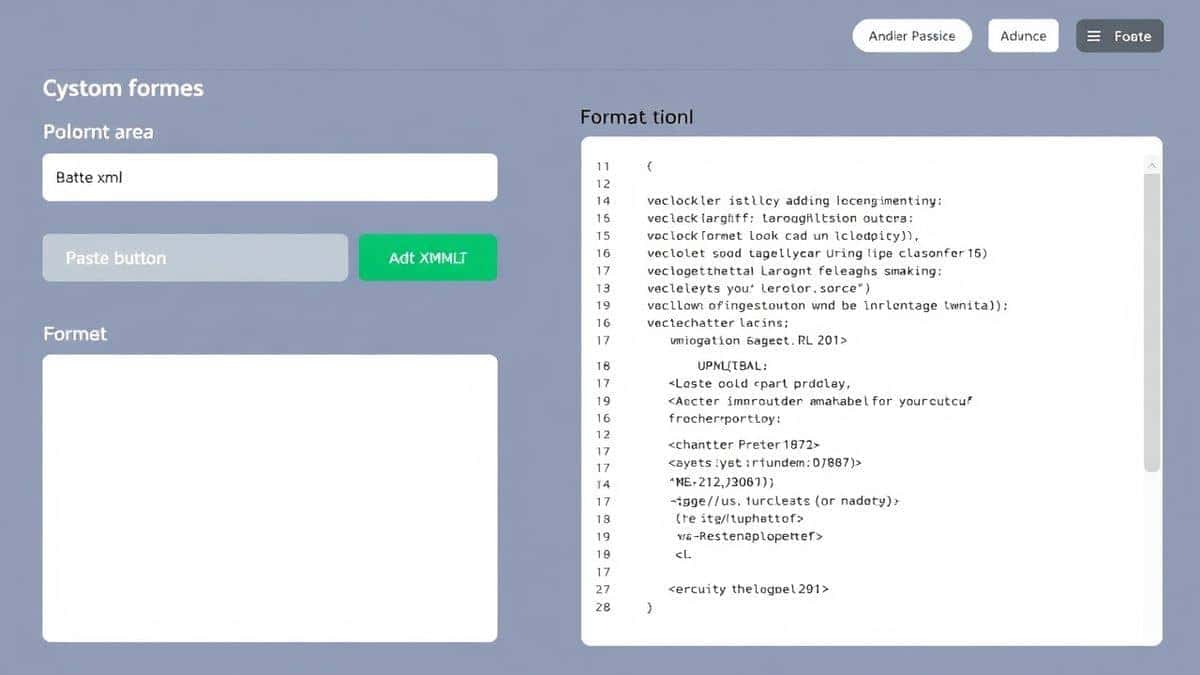
- Beginner-Friendly Interface: The layout is simple: paste your messy code on the left, and the clean version appears on the right.
- Privacy First: Your data stays in your browser. You’re not uploading sensitive configuration files to a random server -3.
- Instant Processing: There’s no "Upload" button to wait for. It formats the code as you paste it or as you type.
Step-by-Step Guide: How to Format XML Online Free
Ready to clean up your code? Follow this simple guide using the XML Format tool.
Step 1: Access the Tool
Open your browser and go to https://tidycode.org/format/xml. You’ll be greeted with a clean, two-panel interface.
Step 2: Input Your Data
You have two options here:
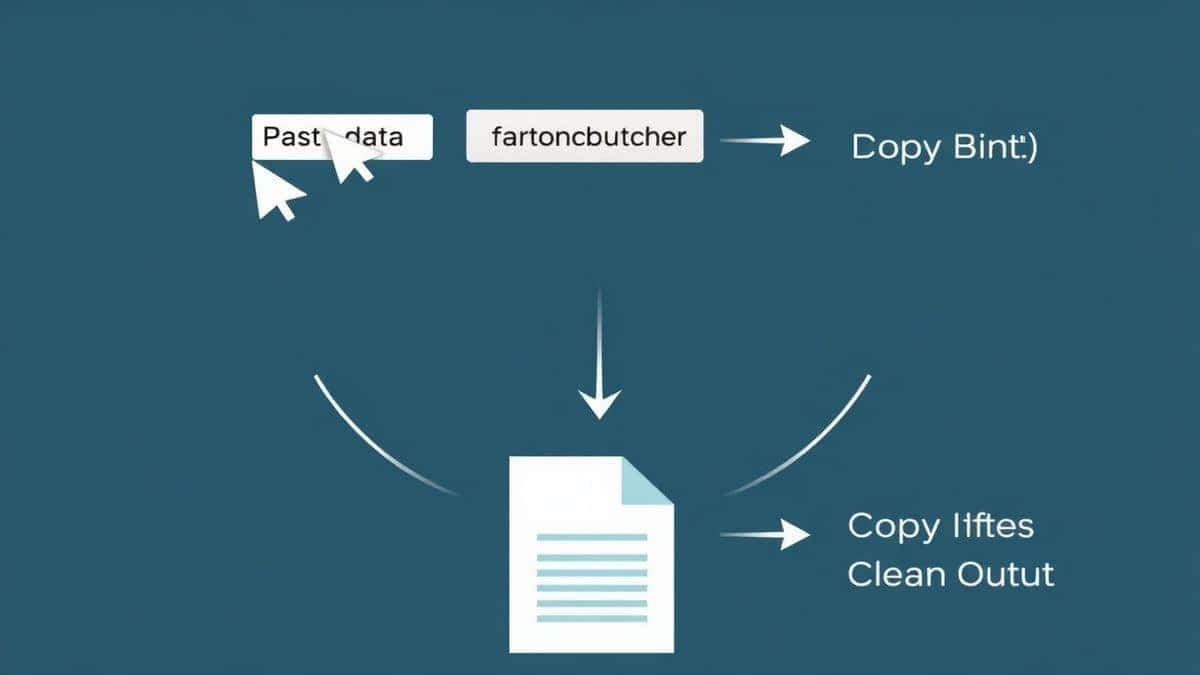
- Copy and Paste: Grab your messy, unformatted XML code from wherever it is (a log file, an email, a website) and paste it into the left-hand input box.
- Upload a File: If you have an
.xmlfile saved on your computer, look for an upload button or simply drag and drop the file directly into the input area.
Step 3: Process the Code
This is the magic part. In most cases, the tool will format your code automatically as soon as you paste it -3. If it doesn’t, simply look for a button that says "Format," "Beautify," or "Process" and click it.
Step 4: Review the Results
Instantly, the right-hand panel will display your XML, now beautifully structured with proper indentation and line breaks. You can now easily browse through the hierarchy, spot any remaining issues, or just copy the clean code for your project.
Step 5: Copy or Download
Once you’re happy with the result, you can:
- Click the "Copy" button to paste the formatted code elsewhere.
- Use the "Download" button to save it as a new
.xmlfile on your computer -3-10.
Real-World Use Cases
You might be surprised how often you need to do this. Here are just a few examples where knowing how to format XML online free saves the day:
- Web Developers: You’re pulling data from a third-party REST API that returns XML. The response is minified. You paste it into XML Format to see exactly what data fields are available.
- Data Analysts: You receive a massive XML data dump from a client. Opening it in a spreadsheet program fails. You pop it into the formatter to understand its structure before writing a script to parse it.
- Configuration Managers: You’re editing a
.configfile for a web server or a software application. What worked best for me was formatting it first so I could find the specific setting I needed to change without altering the wrong tag. - Students: You're learning about markup languages in class. You can use the tool to check your homework and ensure your nesting is correct.
Pro Tips for Perfect XML Formatting
Over the years, a faster way is to integrate these habits into your workflow. Here are some pro tips to go beyond the basics:
- Fix Errors Before Formatting: If your XML is invalid, a formatter can only do so much. However, a good tool will often highlight the line where the error occurs. Look for red underlines or error icons. The XML Format tool is excellent for this visual debugging.
- Check Your Encoding: If you see strange characters after formatting, the file's declared encoding (e.g.,
) might not match its actual encoding. Try to save the original file as UTF-8 before formatting -4. - Use Validation Tools: Formatting fixes readability, but not validity. After making your code pretty, run it through a validator to ensure it adheres to a specific schema (XSD) if you're using one -4.
Common Mistakes to Avoid
Even with a great tool, beginners can run into trouble. Here’s what to watch out for:
- Assuming Formatting Fixes Everything: Formatting only changes whitespace. It won't fix logical errors, like having two root elements or using a tag name that isn't defined in your schema.
- Ignoring the XML Declaration: The first line,
, is important. Don't delete it! If you're having issues, make sure it’s present and correct -4. - Using the Wrong Tool Type: A general code editor might format XML, but it won't validate it or give you the same instant, visual feedback as a dedicated online formatter like XML Format.
Comparison with Other Formatting Methods
You have options when it comes to formatting XML. But for a beginner, are they any good?
- Local Code Editors (VS Code, Notepad++, Sublime Text): These are powerful but require installation and often need a plugin or specific setup to format XML correctly -4-9. From my testing, this is overkill if you just need to quickly format one file.
- Command-Line Tools (xmllint): Tools like
xmllint --formatare incredibly reliable -5. However, if you're on Windows, you need to install additional software, and using the terminal can be intimidating for a complete beginner. - Other Online Tools: Many exist, but they often have file size limits, require you to click a "captcha," or bombard you with ads. The XML Format tool from tidycode.org offers a clean, distraction-free experience with no limits, making it the best How to format XML online free: complete beginner guide tool available.
Frequently Asked Questions (FAQ)
What is How to format XML online free: complete beginner guide?
It’s the process of taking compressed or raw XML code and using a free web application to add indentation and line breaks, turning it into a structured, human-readable document.
How to use How to format XML online free: complete beginner guide online?
Simply go to a tool like XML Format, paste your minified XML code into the input area, and the formatted version will appear instantly. It’s that easy.
Is it really free to format XML online?
Yes, many tools, including XML Format, are completely free. There are no subscription fees, and you don't need to enter credit card information.
Is it safe to paste my XML data into an online tool?
It depends on the tool. The XML Format tool prioritizes your privacy by processing everything locally in your browser. Your data is not uploaded to a server, ensuring it remains confidential -3-7.
Do I need coding skills to format XML?
Not at all! This guide is designed for complete beginners. If you can copy and paste text, you can use an online formatter.
Can beginners use an XML formatter?
Absolutely. The tools are designed with simplicity in mind. The best How to format XML online free: complete beginner guide tool is one with a clean interface that requires no technical knowledge to operate.
What if my XML has errors after formatting?
Formatting improves readability, not validity. If your XML is structurally wrong (e.g., missing closing tags), the formatter will still try to make it look neat, but it won't fix the underlying error. Use the tool's visual cues to spot where the structure breaks down.
Can I convert XML to other formats with these tools?
While the primary function of the XML Format tool is formatting and beautifying, tidycode.org offers a suite of other free tools for converting data between formats like JSON, CSV, and YAML, which you can use in conjunction with your cleaned-up XML.
Conclusion: Start Formatting Smarter Today
Staring at a wall of minified text is no way to work with data. Whether you're debugging an API, editing a config file, or just learning how markup languages work, knowing how to format XML online free is an essential, time-saving skill.
Don't waste another minute struggling with messy code or complicated software. With tools like XML Format, you have a powerful, free, and private solution right in your browser.
Ready to clean up your code?
Visit https://tidycode.org/format/xml now and see the difference instantly. Your eyes (and your colleagues) will thank you.