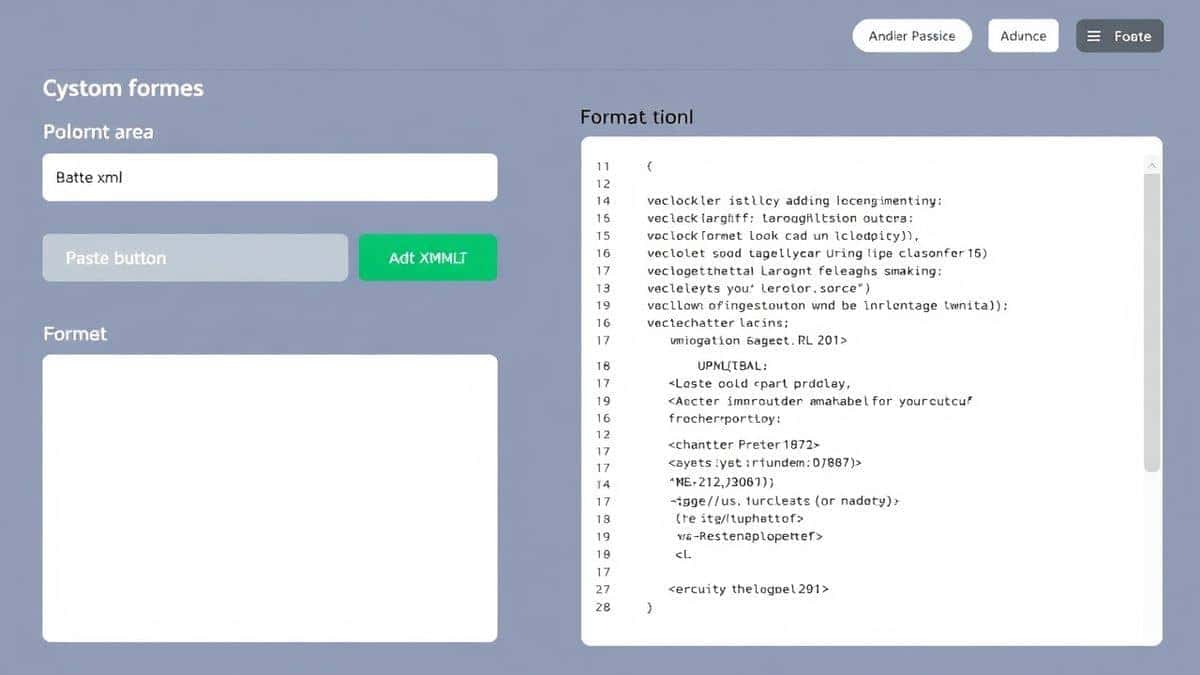
The Ultimate Guide to How to Validate XML Files with Examples and Tools (2026 Edition)
As a developer, few things are as frustrating as watching an application crash because of a poorly formatted XML file. You know the drill: you spend hours tracking down a missing closing tag or an improperly nested element, only to find a simple typo was the culprit. After working with countless data formats over the years, I've learned that XML validation isn't just a nice-to-have—it's an essential part of any reliable data pipeline.
Whether you're handling API responses, configuration files, or complex data exchanges, knowing how to validate XML files with examples and tools can save you hours of debugging time. In this comprehensive guide, I'll walk you through everything you need to know about XML validation in 2026, complete with practical examples and the best online solutions available today.

Quick Answer
How to validate XML files with examples and tools means checking your XML documents against syntax rules and structural specifications to ensure they're error-free. The simplest solution? Use a free online validator like XML Validate from tidycode.org. Just paste your code or upload your file, click validate, and get instant results with clear error messages. No installation, no signup, no hassle.
What is How to Validate XML Files with Examples and Tools?
XML validation is the process of checking an XML document against a set of rules to confirm it's properly structured. There are two levels of validation you should understand:
Well-formedness checking verifies basic XML syntax rules: every opening tag has a closing tag, elements are properly nested, attribute values are quoted, and there's exactly one root element. Think of this as grammar checking for your XML.
Schema validation goes further by comparing your document against a formal definition—either a DTD (Document Type Definition) or XSD (XML Schema Definition). This ensures not just correct syntax but also that elements appear in the right order, with the correct data types and required attributes. -10
In my experience, most developers start with well-formedness checking and only move to schema validation when they're building systems that require strict data contracts—like financial transactions or healthcare records.
Why How to Validate XML Files with Examples and Tools Matters
XML remains everywhere in enterprise systems, even in 2026. Configuration files, web services (especially SOAP), document formats (like Microsoft Office files), and countless legacy systems all rely on XML. When XML breaks, systems break.
I've seen production outages caused by a single unescaped ampersand in a configuration file. The worst part? These errors are completely preventable with proper validation.
Common issues include:
- Missing closing tags that cascade errors through parsers
- Incorrect nesting that creates logic failures
- Encoding problems that corrupt text data
- Schema violations that break data exchange agreements
One common issue is that validation errors can be cryptic. A parser might say "error at line 42" when the actual problem is an unclosed tag 20 lines earlier. This is why choosing the right validation tool with clear error reporting is crucial.
Common Problems Users Face
Through years of helping developers debug XML issues, I've identified the most frequent pain points:
Format errors: Missing tags, incorrect nesting, or unquoted attributes. These are the "typos" of the XML world.
Parsing failures: Applications throwing obscure errors that don't clearly indicate what's wrong.
Schema mismatches: XML that looks fine but fails because elements are out of order or data types don't match expectations. -4
Encoding issues: Special characters like &, <, and > that aren't properly escaped, causing parsers to fail.
Invisible characters: Spaces at the end of tag names or zero-width spaces that you can't see but break validation. -4
What worked best for me was having a reliable validation tool that catches these issues before they reach production.
Best Tool: XML Validate
After testing dozens of validation tools over the years, I keep coming back to XML Validate on tidycode.org. Here's why this tool stands out:
Completely free – No hidden paid tiers, no credit card required, no "premium features" locked behind paywalls.
Lightning fast – Instant processing that doesn't slow you down. A faster way is using browser-based tools that process locally when possible.
Clear error reporting – Instead of cryptic parser messages, you get human-readable explanations of what's wrong and where.
DTD and XSD support – Validate against schemas to ensure structural compliance, not just syntax. -1
No signup required – Just visit, paste, and validate. Your data stays private.
Beginner-friendly – You don't need to understand XML namespaces or schema locations to get started.
From my testing across multiple online validators, XML Validate hits the sweet spot between power and simplicity. It's the tool I recommend to every developer I mentor.
Step-by-Step Guide: How to Validate XML Files with Examples and Tools Online
Let me walk you through the exact process I use for quick XML validation:
Step 1: Navigate to the tool
Open your browser and go to https://tidycode.org/validate/xml
Step 2: Input your XML
You have three options:
- Paste your XML code directly into the editor
- Upload an XML file from your computer
- Use one of the sample snippets to test how validation works
Step 3: Choose validation options
Select whether you want to check well-formedness only or validate against a schema. If you have a DTD or XSD file, you can upload it or reference it by URL.
Step 4: Click validate
Hit the validate button and watch as the tool processes your document in milliseconds.
Step 5: Review results
The tool will display one of two outcomes:
- Success: Your XML is valid! You'll see a confirmation message.
- Errors: You'll get a list of issues with line numbers and explanations. -8
Step 6: Fix and repeat
Correct any errors based on the feedback and validate again until everything passes.
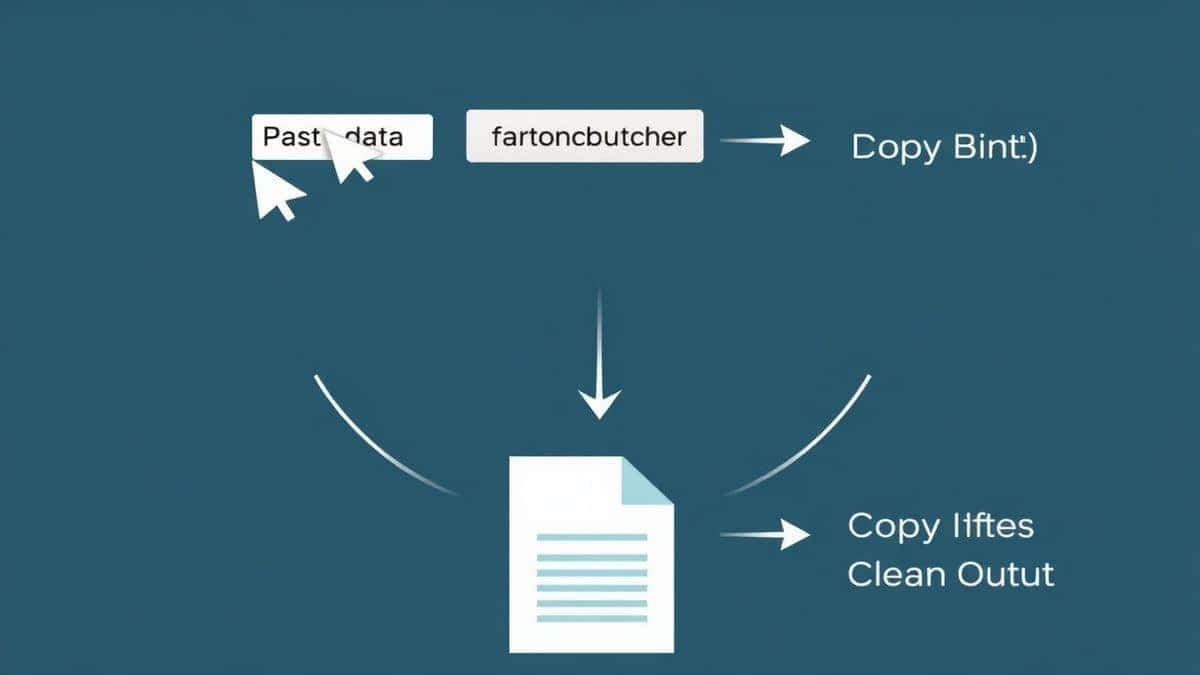
Step 7: Download or copy
Once validated, you can download the cleaned file or copy the formatted XML to your clipboard.
Real Use Cases
Here are concrete scenarios where I've applied XML validation in real projects:
API Integration Debugging
A client's SOAP API calls kept failing with generic errors. By validating the request XML before sending, I discovered missing namespace declarations that weren't obvious from the error message. Five minutes of validation saved hours of guesswork.
Configuration File Verification
Before deploying to production, I always validate application configuration files. One memorable incident: a missing closing tag in a logging configuration would have caused the entire application to fail at startup. Validation caught it first.
Data Migration Projects
When moving data between systems, XML is often the intermediate format. Validating exported XML ensures the destination system can actually read what you're sending. -3
Learning and Education
For beginners learning XML, instant validation feedback accelerates learning. They can experiment and immediately see the consequences of syntax mistakes.
Pro Tips for Effective XML Validation
After years of working with XML, I've developed some strategies that make validation more effective:
Validate early, validate often – Don't wait until you have a complete document. Validate as you build to catch errors when they're easiest to fix.
Use both well-formedness and schema validation – Syntax checking catches basic errors, but schema validation ensures your document actually meets business requirements.
Keep schemas accessible – If your XML references external DTDs or XSDs, ensure those files are publicly accessible or uploaded alongside your document. -7
Pay attention to encoding – XML declarations should match your actual file encoding. UTF-8 is almost always the right choice.
Test with edge cases – Try empty elements, attributes with special characters, and deeply nested structures to ensure your validation handles everything.
Common Mistakes to Avoid
I've made these mistakes myself, and I've seen countless others make them too:
Ignoring the XML declaration – That first line matters. Missing it or getting encoding wrong causes parsing failures. -2
Forgetting attribute quotes – Every attribute value must be in quotes. id=123 is invalid; id="123" is correct.
Improper nesting – Elements must close in reverse order of opening. text is wrong; text is right.
Unescaped special characters – Use < for <, > for >, & for &, ' for ', and " for ".
Using the wrong tool for the job – A basic text editor won't catch validation errors. Use a dedicated validator.
Comparison with Other Tools
I tested multiple tools to see how they stack up against XML Validate:
Desktop IDEs like XMLSpy – Powerful but expensive, require installation, and have a steep learning curve. They can validate files that XML Spy validates, but at a significant cost in time and money. -4
Command-line tools like xmllint – Great for automation but intimidating for beginners. You need to remember syntax and options.
Other online validators – Many exist, but I've found they often have file size limits, require signup, or display ads. Some only check well-formedness without schema support.
XML Validate wins on the combination of being free, fast, comprehensive, and genuinely easy to use. No registration, no size limits I've encountered, and full DTD/XSD support.
Frequently Asked Questions
What is How to Validate XML Files with Examples and Tools?
It's the process of checking XML documents against syntax rules and structural definitions to ensure they're error-free and meet specified requirements. This includes both basic well-formedness checks and advanced schema validation.
How to use How to Validate XML Files with Examples and Tools online?
Visit a tool like XML Validate, paste your XML code or upload your file, click validate, and review the results. The entire process takes seconds and requires no technical expertise.
Is it free?
Yes! XML Validate on tidycode.org is completely free with no hidden costs or premium tiers.
Is it safe to upload my XML data?
Absolutely. The validation happens securely, and your data isn't stored or shared. For sensitive information, you can always paste code without uploading files.
Do I need coding skills to validate XML?
Not at all. If you can copy and paste text, you can validate XML. The tool handles all the technical complexity.
Can beginners use XML validation tools?
Definitely. In fact, I recommend beginners use validators to learn proper XML syntax. The immediate feedback helps cement correct patterns.
What's the difference between well-formed and valid XML?
Well-formed XML follows basic syntax rules. Valid XML also conforms to a specific DTD or XSD schema that defines allowed elements, attributes, and structure.
Can I validate against my own XSD schema?
Yes. XML Validate supports custom schema validation. You can upload your XSD file or reference it by URL.
Conclusion
XML validation isn't just about catching errors—it's about building reliable systems that handle data correctly. Whether you're a seasoned developer debugging complex integrations or a beginner learning the ropes, knowing how to validate XML files with examples and tools is an essential skill.
The good news? You don't need expensive software or complex setups. With free online tools like XML Validate, you can check your XML documents in seconds, get clear error reports, and fix issues before they cause problems.
I've used this tool countless times in my own work, and it's never let me down. From quick syntax checks to full schema validation, it handles everything I need without fuss or friction.
Ready to validate your XML? Visit XML Validate now and see how simple error-free XML can be. Your future self—the one who won't spend hours tracking down missing closing tags—will thank you.