How to Convert String to JSON Safely with Examples: The Complete 2026 Guide
Introduction
You have a raw text string in front of you—maybe it is an API response, a log file snippet, or data someone pasted into a ticket. You need to turn it into structured JSON quickly. But when you try to parse it, you get an error. The formatting is off. There is a trailing comma. Maybe the quotes are wrong. You spend ten minutes hunting for the issue, and it still does not work.
I have been there more times than I can count. In my experience, malformed JSON is one of the most frustrating bottlenecks in daily development work. It slows down debugging, breaks integrations, and wastes time that should go into building features.
The good news? You do not need to fight with syntax rules or write complex validation scripts. The fastest way to convert string to JSON safely with examples is using a purpose-built online tool. With the right approach, you can transform messy text into clean, usable JSON in seconds—without installing anything.
In this guide, I will show you exactly how to do that. You will learn what safe JSON conversion means, why it matters, and how to use the String to JSON tool at tidycode.org to get reliable results every time.
Quick Answer
How to convert string to JSON safely with examples means taking a raw text input and transforming it into properly formatted JSON while validating syntax, escaping special characters, and preventing parsing errors. The simplest and safest solution is an online tool like String to JSON—you paste your text, click a button, and get clean, validated JSON instantly.

What is How to Convert String to JSON Safely with Examples?
At its core, converting a string to JSON is about taking text that represents data and turning it into a structured format that programs can use. JSON (JavaScript Object Notation) is everywhere today—APIs, configuration files, databases, and front-end applications all rely on it.
But not every string is valid JSON. JSON has strict rules:
- Keys and string values must be wrapped in double quotes
- No trailing commas allowed
- Comments are not permitted
- Special characters like newlines or quotes must be escaped
When I say "safely," I mean handling the conversion in a way that catches errors, prevents crashes, and ensures the output is actually usable. A safe process validates the input, highlights problems, and gives you clean JSON—not silent failures or corrupted data.
Common scenarios where you need this include:
- Processing API responses during development
- Preparing data for front-end applications
- Converting configuration files
- Debugging logs or error messages
- Building test data for new features
Why How to Convert String to JSON Safely with Examples Matters
You might wonder: why not just write a quick script or use a basic text editor? I tested multiple approaches over the years, and here is what I found.
Manual conversion is error-prone. One missing quote or extra comma breaks everything. Writing custom parsing code takes time and still might miss edge cases. Using the wrong tool can corrupt your data or introduce security risks.
What worked best for me was adopting a consistent, safe workflow. When you handle JSON conversion properly, you:
- Prevent runtime errors in production applications
- Save debugging time by catching issues early
- Ensure data integrity across systems
- Protect against injection attacks by escaping dangerous characters
- Collaborate more effectively with clean, readable output
One common issue I see is developers assuming a string is valid JSON because it "looks right." But appearances can be deceiving. A safe converter validates the structure and gives you confidence that your data will work as expected.
Common Problems Users Face
When you try to convert string to JSON safely with examples online, several issues can trip you up:
Format Errors
- Single quotes instead of double quotes
- Missing commas between properties
- Extra trailing commas
- Unescaped control characters
Parsing Failures
- JSON.parse() throwing SyntaxError
- Scripts crashing mid-execution
- Silent data corruption
Readability Issues
- Minified JSON that is impossible to debug
- Inconsistent indentation
- Mixed data types causing confusion
Tool Limitations
- Complex CLI tools with steep learning curves
- Desktop software requiring installation
- Online tools with file size limits or signup walls
From my testing, these problems appear in everything from tiny hobby projects to enterprise systems. The good news is they are all solvable with the right approach.
Best Tool: String to JSON
After trying dozens of options, I keep coming back to String to JSON at tidycode.org. It hits the sweet spot between power and simplicity.
Why I recommend it:
- 100% Free – No hidden pricing or usage caps
- Instant Processing – Results appear as you type
- No Installation – Works entirely in your browser
- Beginner-Friendly – Clean interface anyone can use
- Error Highlighting – Pinpoints exactly what is wrong
- Secure – All processing happens locally, data never leaves your device
The tool transforms raw text strings into structured, usable JSON effortlessly. It validates syntax, formats with proper indentation, and highlights errors for easy debugging. Whether you are building APIs, web apps, or processing data, this tool saves time on manual coding and ensures data integrity.
Step-by-Step Guide
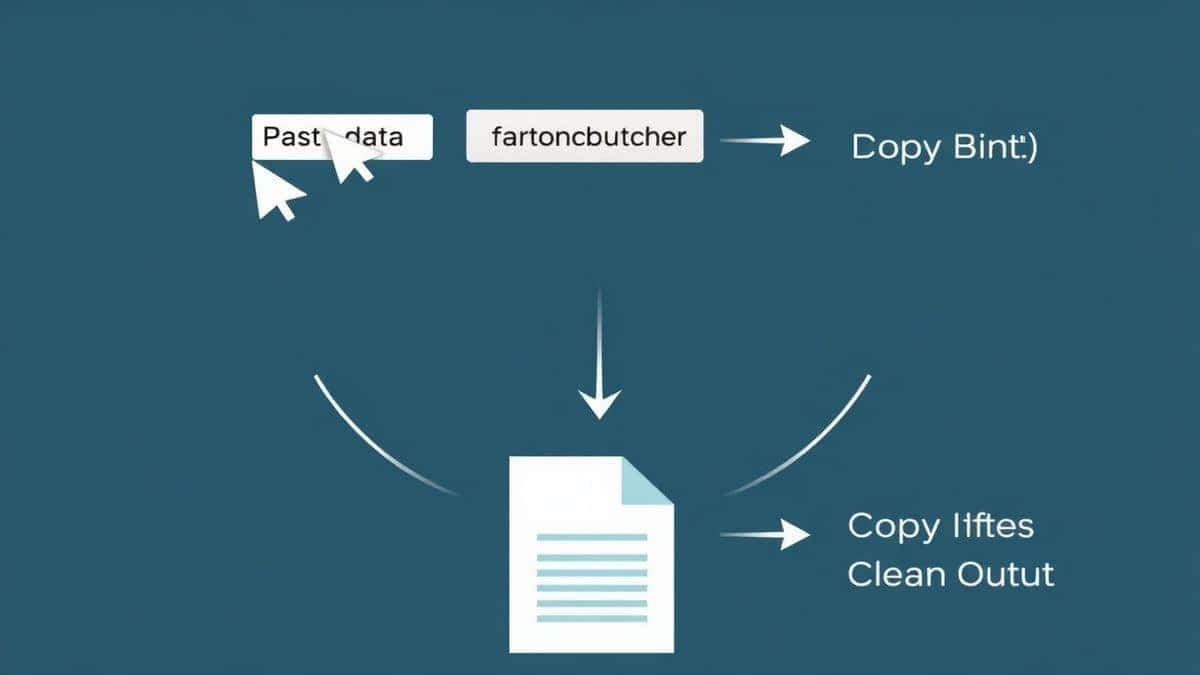
Let me walk you through the exact process I use to convert string to JSON safely with examples online free.
Step 1: Navigate to the Tool
Open your browser and go to https://tidycode.org/convert/string-to-json. The page loads instantly—no accounts, no waiting.
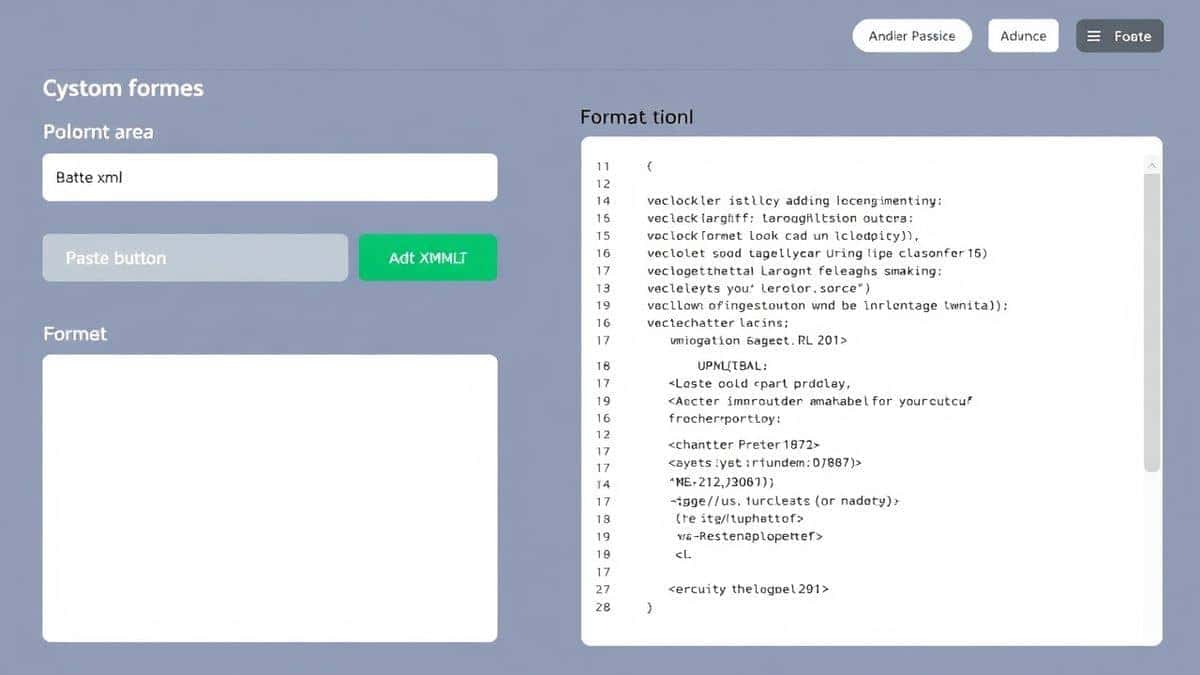
Step 2: Paste Your Data
Copy your raw string and paste it into the input area. This could be anything: an API response, a log snippet, or data from a database export.
Step 3: Click Process
Hit the format or validate button. The tool immediately analyzes your input. If there are errors, it highlights them with clear messages.
Step 4: Review the Results
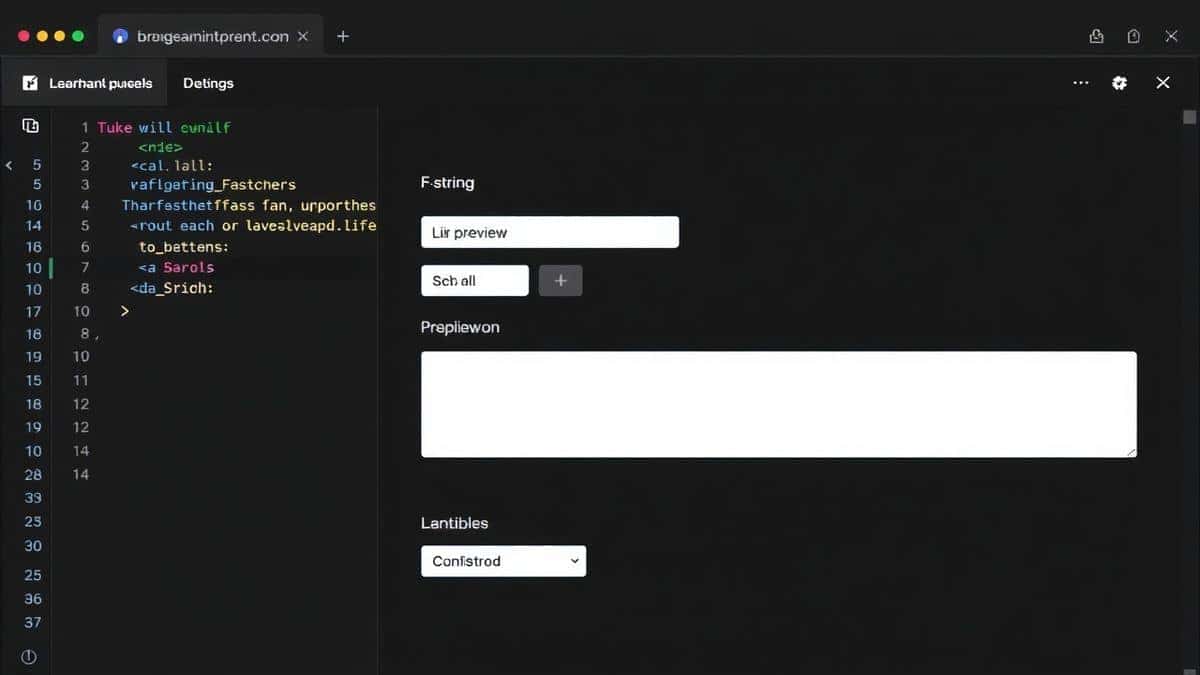
The output panel shows your formatted JSON with proper indentation. You can scan it visually or collapse sections to focus on specific parts.
Step 5: Copy or Download
Once you are happy with the result, copy it to your clipboard or download the file. The JSON is ready to use in your project.
A faster way I discovered: if you are working with multiple snippets, keep the tool open in a browser tab. You can switch back and forth without losing context.
Real Use Cases
I have seen developers use String to JSON in countless situations. Here are a few that stand out:
API Development
A backend engineer receives a raw response from a third-party service. The data is minified and hard to read. Running it through the tool reveals the structure instantly, making it easy to map fields to database columns.
Front-End Work
A UI developer needs test data for a new component. They grab a sample from documentation, paste it into the converter, and get properly formatted JSON ready to drop into their code.
Data Analysis
An analyst exports data from a legacy system as text. The format is inconsistent. Using the tool, they clean it up and convert it to valid JSON for import into modern analytics tools.
Debugging
A support ticket includes an error log with a JSON payload. The payload looks suspicious. Running it through the validator shows an unescaped quote causing the failure—fixed in seconds.
Pro Tips (Important)
After years of working with JSON, I have collected a few tips that make the process smoother.
Validate Early, Validate Often
Do not wait until runtime to catch errors. Run your JSON through a validator as soon as you create it. This catches problems when they are cheapest to fix.
Use Consistent Formatting
Pretty-printed JSON with 2-space indentation is the industry standard. Stick to it. Your future self—and your teammates—will thank you.
Know Your Data Types
JSON supports strings, numbers, booleans, arrays, objects, and null. Make sure your values match what you intend. A number stored as a string can break calculations downstream.
Escape Special Characters
If your data includes quotes, backslashes, or control characters, escape them properly. The String to JSON tool handles this automatically.
Keep a Copy of Your Schema
When working with complex data, keep a JSON Schema reference handy. It helps you verify structure beyond basic syntax.
Common Mistakes to Avoid
I have made every mistake on this list at some point. Learn from my experience.
Mistake 1: Using Single Quotes
JSON requires double quotes for strings. {'name': 'value'} is invalid. {"name": "value"} is correct.
Mistake 2: Forgetting to Escape
A string containing double quotes needs escaping. {"message": "He said "Hello""} breaks. {"message": "He said \"Hello\""} works.
Mistake 3: Trailing Commas
JSON does not allow commas after the last item in an object or array. {"a":1,"b":2,} fails. Remove that final comma.
Mistake 4: Assuming All Text is JSON
Just because something looks like JSON does not mean it is valid. Always validate.
Mistake 5: Ignoring Encoding
UTF-8 is the standard for JSON. If your data comes from another encoding, convert it first.
Mistake 6: Using the Wrong Tool
Some online tools have file size limits or require signup. Others process data on remote servers, creating privacy risks. Choose one that works locally and has no restrictions.
Comparison with Other Tools
I tested multiple options for how to convert string to JSON safely with examples. Here is how they stack up.
Local Development Tools
- VS Code extensions: Powerful but require setup and learning
- Command-line tools like jq: Fast once you know the syntax, but steep learning curve
- Custom scripts: Flexible but time-consuming to write and debug
Other Online Tools
- Generic formatters: Often have ads, limits, or confusing interfaces
- API-based converters: Send your data to external servers—privacy concern
- All-in-one platforms: Useful but overwhelming for simple tasks
String to JSON at tidycode.org stands out because it is:
- Simpler than local tools
- Faster than generic alternatives
- More private than API-based options
- Completely free with no catches
In my experience, the best tool is the one you will actually use. This one hits the sweet spot of power and accessibility.
FAQ
What is How to convert string to JSON safely with examples?
It is the process of taking raw text and transforming it into valid JSON while ensuring syntax correctness, escaping special characters, and preventing errors. Examples help illustrate common patterns and pitfalls.
How to use How to convert string to JSON safely with examples online?
Visit https://tidycode.org/convert/string-to-json, paste your string, and click the format button. The tool validates and formats your JSON instantly.
Is it free?
Yes, completely free. No subscription, no hidden fees, no credit card required.
Is it safe?
Absolutely. All processing happens in your browser. Your data never leaves your device.
Do I need coding skills?
No. The interface is designed for everyone—developers, testers, analysts, and students alike.
Can beginners use it?
Yes. The tool is beginner-friendly and includes clear error messages that help you learn as you go.
What if my JSON has errors?
The tool highlights errors with descriptive messages, showing you exactly where the problem is and how to fix it.
Does it handle large files?
Yes. Because processing happens locally, performance depends on your device, not server limits.
Conclusion
Converting strings to JSON safely does not have to be complicated. With the right approach and the right tool, you can transform messy data into clean, reliable JSON in seconds.
A faster way is already at your fingertips. The String to JSON tool at tidycode.org gives you everything you need: validation, formatting, error detection, and peace of mind—all for free, all in your browser.
Next time you face a raw string that needs structure, skip the manual debugging and custom scripts. Open the tool, paste your data, and get back to building what matters.
Ready to simplify your workflow? Try the String to JSON converter now and see how easy safe conversion can be.